

Libraries
The Libraries page has one tab per library, plus the Arrivals tab (see Concepts and web UI). A library is organized in place: its folder is where the works live, so Kinoshelf scans it, renames what does not follow your options and writes the missing NFO and images.
Scanning
Update from source reads the whole folder: it finds the videos, parses their names, identifies each work on TMDB (one search per release, seasons cached) and plans what would change. Nothing is written. A bar shows the phase (discover, read, identify, plan), the count and the file being read; past a minute without news the page says "still running". The scan only runs one at a time per library (a second is refused), and it does not move files: a rename is a separate, previewed step.
Cancel the scan (beside the button, and in the activity panel) stops a scan that is waiting or running. Nothing is stored, so the library keeps what its last scan saw; the History lists the job as Cancelled and offers Send again.
What the scan saw is kept as a snapshot: the lists read it, never the disk and never TMDB, so they are instant. It is patched after each transfer, undo or manual match, and replaced as a whole by the next scan. Nothing scans on its own: a scan comes from a click, from the folder watcher or from kinoshelf submit.
In the background, once no job runs, ffprobe reads each file (picture size, codec, HDR, audio, subtitles) to fill the details. A file is read again only if its size or date changed.
A file ffprobe cannot read (a damaged or incomplete download) is not tried again either. Its version shows an Unreadable badge with ffprobe's own words, the log gets one line with the path and the reason, and the System page counts such files as a warning. Replace the file and it is read again.
Scan one folder again
From the page of a movie, of a show or of a season, Scan again reads one folder again (a movie's, a show's or a season's) instead of the whole library. It shares the guard of a whole scan.
Correct the work of a folder
When Kinoshelf picked the wrong work, Change the match (on a movie's page and a show's) lets you search TMDB and choose the right one. It is a scan of that folder that takes your choice for every file. Nothing moves: the rows come back To rename, named after the new work, and the usual Rename (preview, batch, undo) does the rest. NFO and images Kinoshelf wrote for the former work are replaced (the old ones are kept in replaced/, and undo puts them back), unless someone edited them.
The list
A movie library lists movies; a series library reads as a tree: show, season, episode.
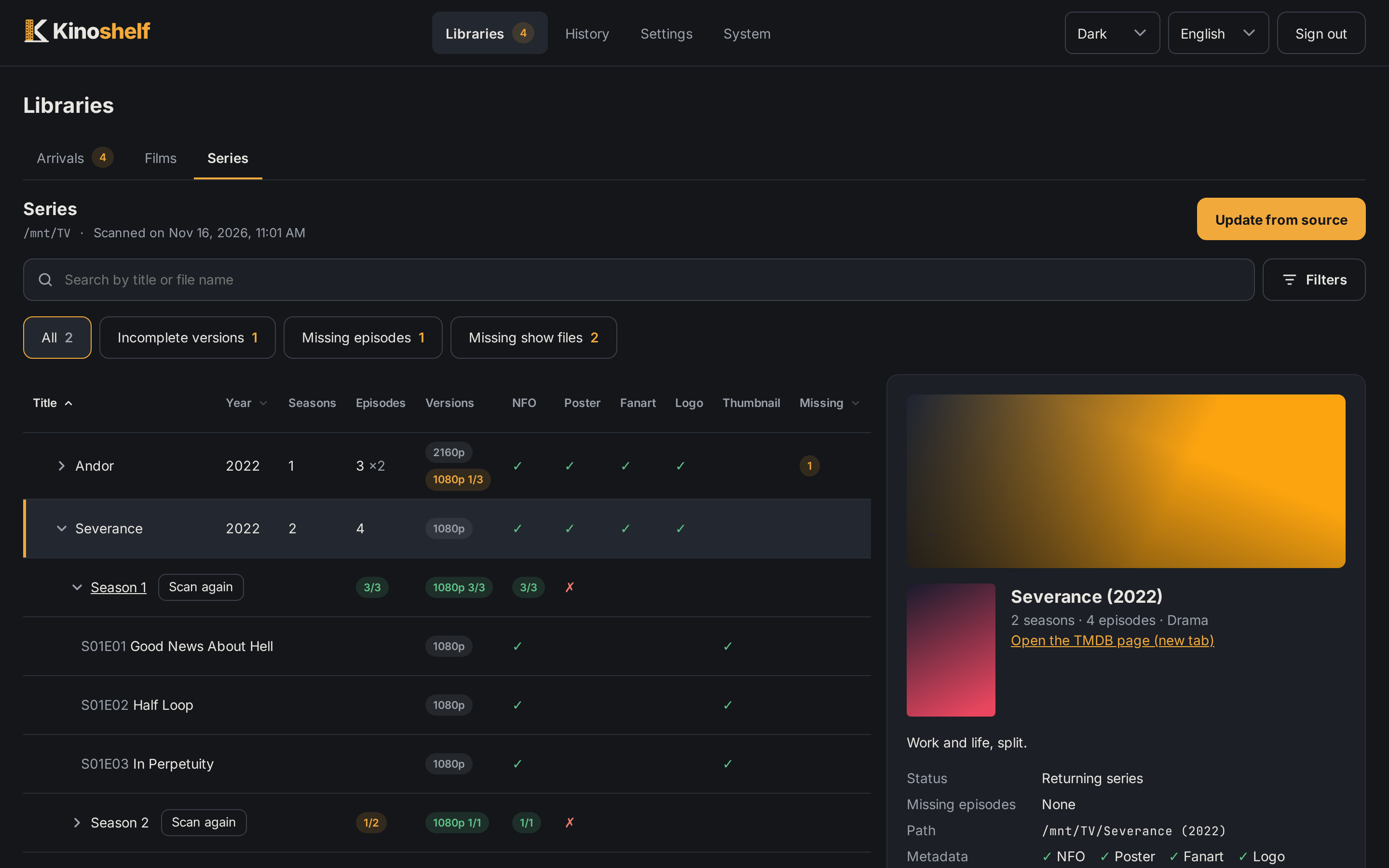
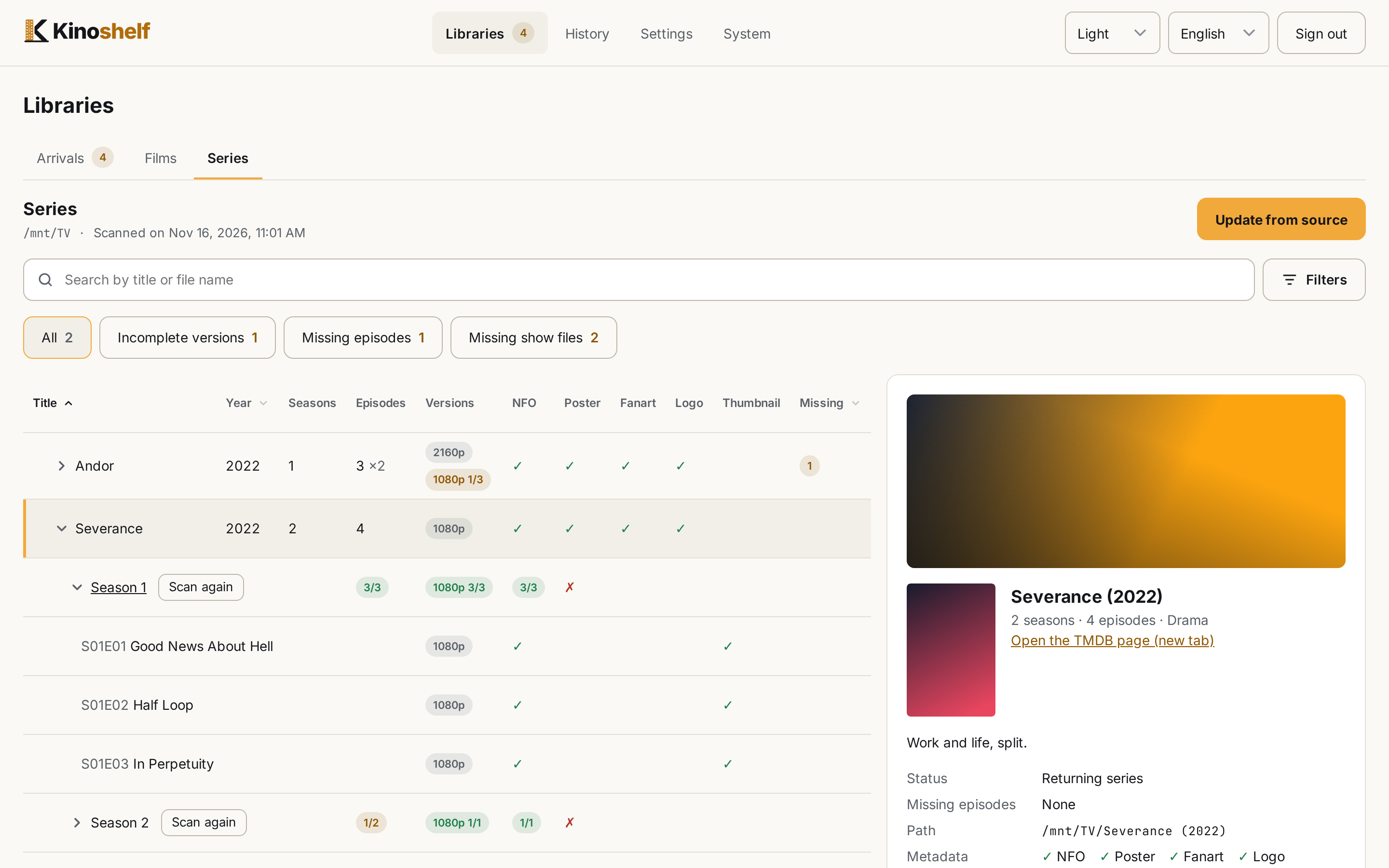
Search reads the title and the file name, never the folders.
Filters, in a panel (a sheet on a phone) and as chips under the search box:
- To validate: files Kinoshelf could not place with confidence;
- To rename: files that do not follow the profile;
- Not recognized: nothing was found for them;
- Incomplete: a video already in place whose NFO or images are missing (Complete… writes them);
- Missing NFO and Missing images (poster, fanart, logo, and an episode's thumbnail);
- Several versions, which combines with any of the above;
- in a series library: Missing episodes, Missing show files (the show's own NFO and images, a season's poster) and Incomplete versions.
Each state shows its count, and only the ones above zero are chips. A series library counts shows (a movie library counts files);
To validateandNot recognizedlist only the "To validate" node.Sort by clicking a column header: movies by title and year, shows by title, year and missing episodes.
Filters, sort, open shows and seasons are in the address, so a link keeps them. Changing library resets them.
Organize…, Complete… and Add the version to the name… work on the ticked lines (movies in a list, shows in the tree): a dry run lists what would move and what would be written, then you confirm. Organize renames and moves the files to rename, Complete writes the missing NFO and images, and Add the version to the name adds the picture size to a file already in its folder. A button stays grey when nothing in the selection can use it. Hover a button, or focus it with the keyboard, to read what it does (a long press on a phone); Escape closes the tip. When a filter lists more than the page loaded, Select all N, even those not shown takes every one under the filter.
Long lists load by themselves as you scroll to the end; a series library lists a release to validate as one line, fifty at a time.
On a small screen the page of a movie, a show, an episode or a collection opens as a sheet over the list, with a Close the page bar, wherever it has no room beside the list: it is never under it, and the list behind does not scroll. The versions scroll on their own inside it. Under 640 px the tables also drop their tick columns (NFO, images) and, in a series tree, the year and seasons: the page of the work says the same. There the title of a show opens its seasons, and a round info button opens its page.
What a series tree shows
At each level (show, season, episode) the NFO and images the profile writes (tvshow.nfo, poster, fanart, logo, a season's poster, an episode's thumbnail) as ticks, and the missing episodes: an episode that has aired and that no file holds. An episode with no date or a future one is never missing; specials (season 0) are listed when present and never counted. The count is made when a show is opened (TMDB's cached season), and in the background otherwise; until then there is no badge, and a TMDB failure leaves the list working.
A file TMDB does not list is shown as extra. A file holding two episodes (s01e04-e05) is one line.
The page of an item
A movie, a show and an episode share one layout: banner (an episode's thumbnail), identity, a line of facts (length or counts, genres), the TMDB link, the synopsis, the facts (the ratings of a movie or a show, path, metadata ticks) and Versions. The ratings read IMDb 8,0 · TMDB 7,8: hover a value to see how many votes stand behind it. IMDb's is there only with that setting on, and when its file knows the work. A movie also has its ffprobe details per file; an episode has no action of its own, it is analyzed and matched with its series.
Several versions of a movie or an episode
A 1080p and a 2160p of the same movie live side by side in its folder, as Plex and Jellyfin expect: Nightbitch (2024) {tmdb-728949} - 2160p.mkv. A file that arrives is named with its label when its name gives a picture size. The label is the size; if two files of the same work share it, the source then the release group are added, and files nothing tells apart are a duplicate-destination conflict (never numbered). A file already in its folder is never renamed unless you ask for it, from the page of the movie or the episode or on a selection of movies or shows (Add the version to the name: pick a size, or "Automatic").
The lists show a movie or an episode once, whatever its number of files:
- a movie with several versions has a chevron that unfolds one line per version (picture size, HDR, codec, audio, languages, subtitles, file size), and its page can compare the versions, including the subtitle files lying beside each one (the tracks inside the video are listed apart);
- its state is the worst of its versions;
- in a series library, the Versions column gives each version's coverage,
2160p 7/8: the episodes that version holds out of the distinct episodes held by all of them. A season has its own badges, and the page of a series draws the matrix of versions against episodes. A missing episode stays in Missing episodes: it lowers no version. A file whose name gives no size counts as a version only when it shares an episode with another file; - a shortfall does not always call for action. A season where no episode has two files was released in pieces (1080p first, then 4K), not held in versions, so it is never an Incomplete version. When a season is held in several versions and one lacks episodes the others have, and no better release exists, Accept as it is (on the season, in the series page's matrix) stops it from counting as incomplete; Count again undoes it. The choice is per season, never per show, and it lapses by itself when an episode of the season arrives, goes or changes picture. The badges still tell the truth (
4/8): only the show's own row owes nothing for an accepted season; - the poster, fanart and logo are shared. A movie has one
movie.nfo; each version of an episode has its own<file>.nfo(no player reads a shared one) and its own copy of the episode's thumbnail (<file>-thumb.jpg), since a player picks the one of the version being played. The page of an episode nonetheless shows one NFO status and one thumbnail for the episode: Generate the missing NFO writes the absent ones for every version and never touches one that exists.
Metadata and artwork
With metadata: nfo Kinoshelf writes, beside the videos (see Output options): movie.nfo, tvshow.nfo, one <file>.nfo per episode, poster.jpg, fanart.jpg, clearlogo.png, a season's poster and an episode's thumbnail. They are also written for a library that is already organized: its missing ones are the "Incomplete" state. Existing files are never overwritten, so a change of options leaves them.
An image TMDB has none of is shown as not available on TMDB (a plain dash), not as missing, and does not make a work "incomplete".
The NFO carries the basics plus TMDB keywords (<tag>, in English), the age rating (<mpaa>, with the country following the metadata language: FR:16, PG-13), the series' TheTVDB id, IMDb's rating when that setting is on and, for a movie, its collection (<set>).
Changing an image
From the page of a movie or a show: Change the image replaces the poster, the background (fanart) or the logo with one of the images TMDB offers (in every language, sorted and filtered by language) or with an address of your own. From the page of an episode, the same changes its thumbnail, and writes the one picture for every version of the episode.
- JPEG and PNG only, in the format the profile writes (a poster is JPEG, a logo PNG); WebP is refused.
- An address is downloaded by the server (http or https, three redirections, 15 s, 20 MB) and previewed before it is saved. Addresses on your local network are refused unless Allow image addresses on the local network is ticked in the settings (
allowLocalImageUrls). - Every image is downloaded before any is written: one failure changes nothing.
- The image replaced is kept in
<config>/replaced/, and the change is a batch in the History that you can undo.
Collections
In a movie library that writes NFO, a collection (a saga) exists for a player through the NFO's <set>. The library has a Films | Collections choice beside its name.
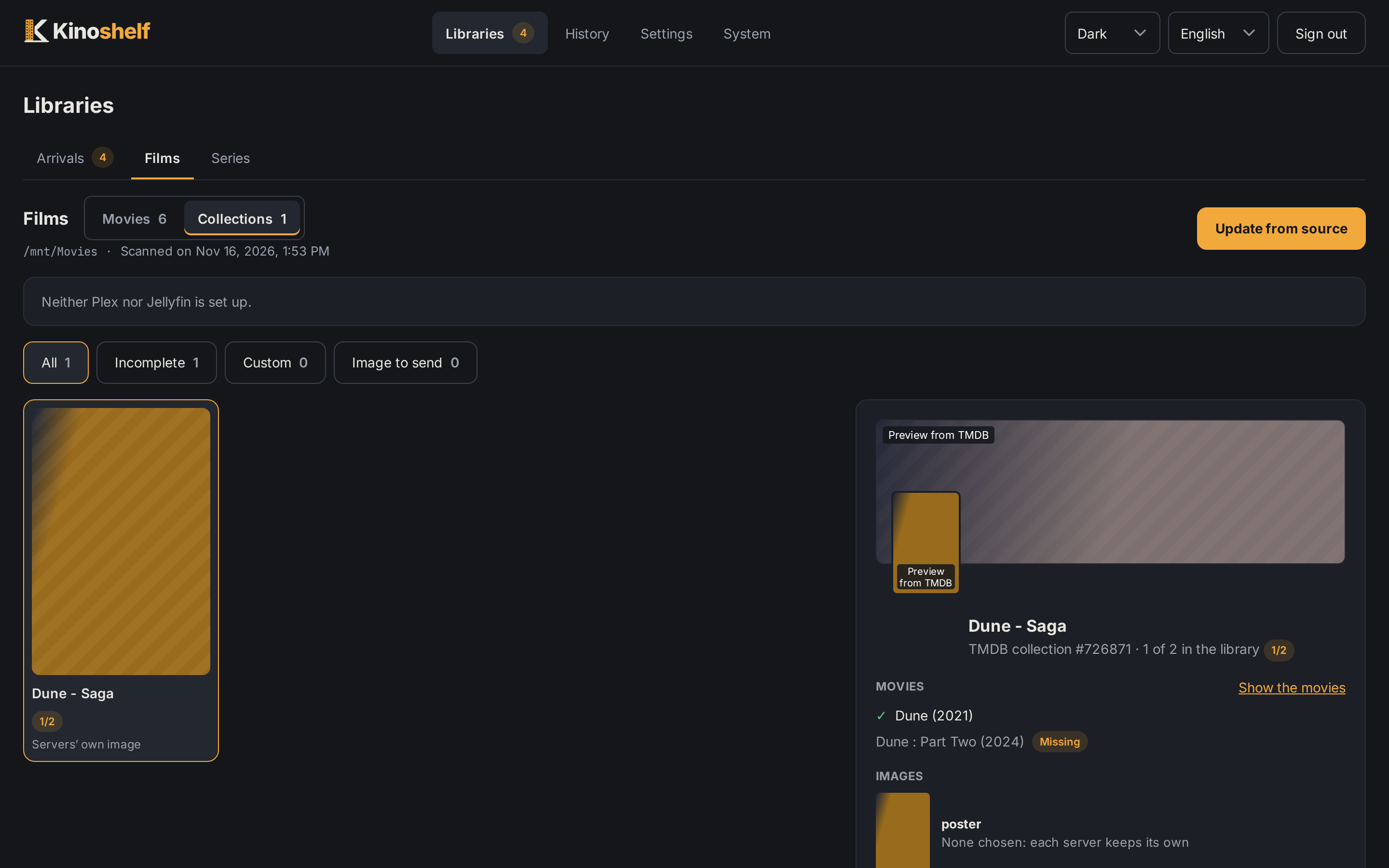
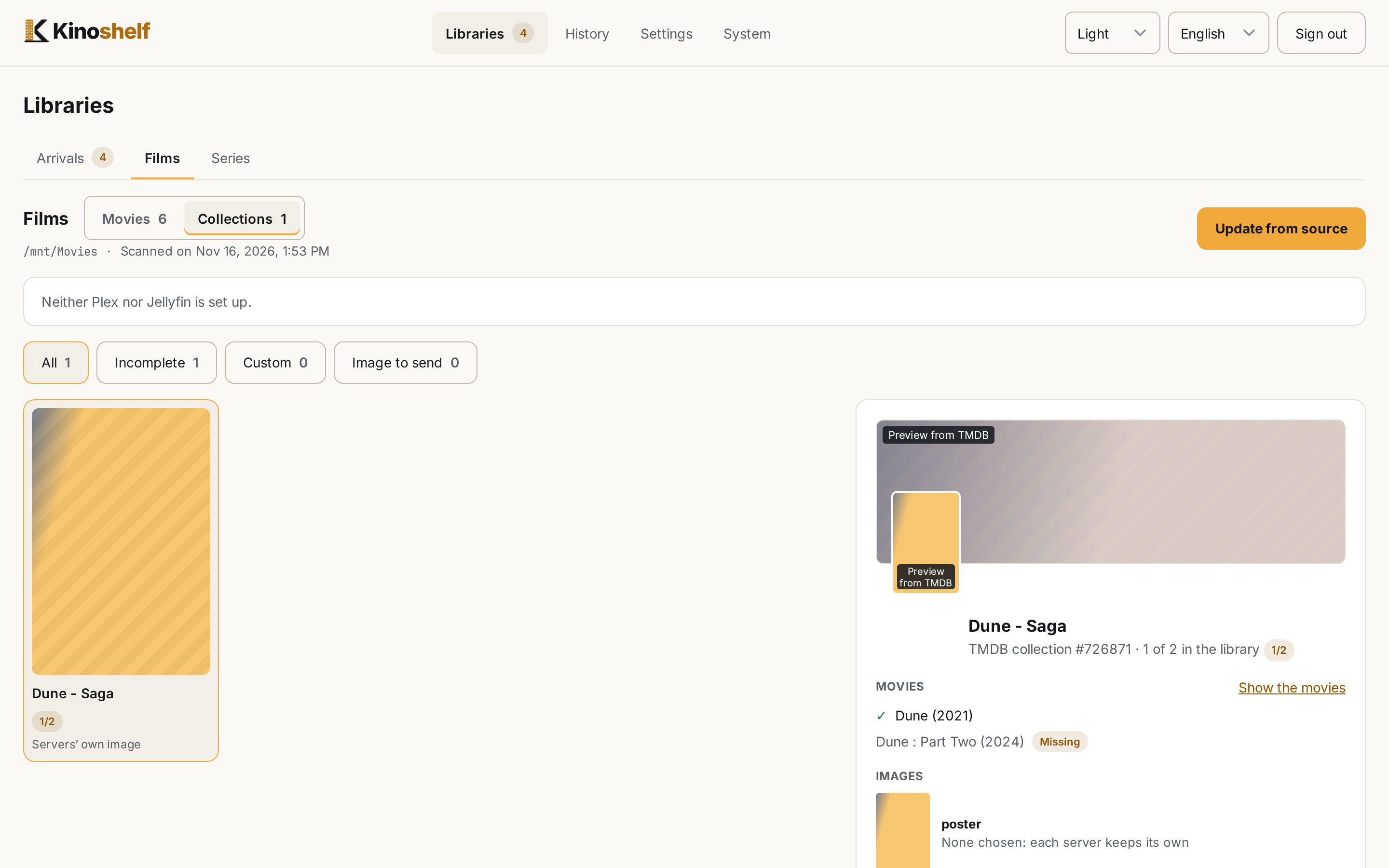
- A movie's collection comes from TMDB at no extra call. You can set the collection by hand: another TMDB collection, a custom name, or none. Your choice is kept apart and a scan never overrides it.
- Changing it rewrites the NFO of the movie (every version), the one exception to "never overwritten": only if Kinoshelf wrote it and nobody touched it since; otherwise it is left and the answer says so. The old NFO goes to
replaced/and the batch can be undone. - The Collections screen lists every collection with its movies (the parts the library lacks included, "2/3", sorted by year), and lets you rename an own collection on all its movies, and choose its poster and background (from TMDB, from one of its movies, or from an address). While none is chosen, TMDB's poster and background are drawn dimmed and tagged as a preview. Choose TMDB's images keeps those previews as the choice of every collection that has none (nothing is sent until you use Send pending images).
- A collection image is kept by Kinoshelf (in
<config>/collection-images/), never in a movie's folder. Send pushes the chosen images to Plex and Jellyfin (found by collection name). The state of each isdefault,pending,sent,missing(the server has no such collection yet: neither server creates one for a lone movie) orerror. Amissingimage is tried again after each scan and every 15 minutes. Kodi is out of scope.